SEO migration for company websites in Germany
Your website moves to a new system or a new domain, and the visitors who find you through search should find you afterward too. I carry over what search engines know about your old site: its addresses, titles, links and structured data. After the launch I check the result on the live domain. Book a 30-minute video call. We look at your task, and you find out whether I can help.
What I take care of in your move
-
Experience with site moves
For more than twenty years I have built and rebuilt company websites. I plan a move from the pages that bring your visitors from search today, so they keep a place in the new structure.
-
An inventory of your addresses
Before the move I collect the addresses of the old site from its sitemap, a crawl and the server logs. Each one gets a new target or a written decision to remove it.
-
Titles and structured data carried over
Titles, descriptions, headings, canonical links and structured data move with each page. A crawl compares them between the old site and the new one before the launch.
-
A check on the live domain
On launch day I run the forwarding list against the live domain. In the weeks after, the server logs show which old addresses visitors and crawlers still request.
-
Your target system
Your site can move to Astro, Symfony, Node.js or a shop platform, or only to a new domain. The inventory and the checks are the same work in each case.
-
Based in Frankfurt
I work remote for companies across Germany and meet you on site in Frankfurt Rhine-Main. I work in German and English.
What an SEO migration is
An SEO migration is the part of a website move that keeps the site findable. Search engines have stored your old addresses, their titles and the links that point to them. A move changes part of that or the whole of it, and each change needs an answer on the new site.
I treat the move as a data migration. The records are your addresses. Each one needs a target, a title, a description and its structured data. An address without a target ends on an error page, and the visitor who came from search leaves.
When a move puts your rankings at risk
A new system often brings a new address pattern. An address such as /?p=123 becomes /services/, or /products/item.html becomes /products/item/. A new domain changes each address at once. A redesign that keeps the addresses can still drop the text, the headings or the internal links a page ranked with.
The SEO migration checklist
The order I work in, from the first crawl to the weeks after the launch. You can use it for your own move.
Before the move
- Crawl the old site and save the result: each address with its status, title, description, main heading, canonical link and structured data.
- Add the addresses from the sitemap and from the server logs of recent months. A crawl misses pages that no other page links to anymore.
- Mark the pages that bring visitors from search, from your web analytics or from the referrers in the logs.
- Assign each old address to one new address. Where a page goes away, pick the closest replacement or mark it as permanently removed.
- Include pictures and PDF files. Other sites link to them too.
- Write the forwarding list in the format of the new server and test it at the test address.
- Crawl the new site at its test address and compare the result with the saved crawl of the old site.
- Keep the test address closed to search engines.
On launch day
- Switch the domain or the server, and lift the block for search engines on the new site.
- Run the forwarding list against the live domain. Each old address forwards once, straight to its target, without a chain of forwardings.
- Test the addresses with and without “www” and with and without the slash at the end.
- Check that robots.txt names the new sitemap and blocks no page the old site allowed.
- Crawl the live site and compare the result with the crawl of the test address.
In the weeks after
- Read the server logs for requests to old addresses that end on an error page, and add their forwarding.
- Compare the visits from search per page with the weeks before the move.
- Measure the main page types with Lighthouse and fix what got slower.
- Ask the sites that send you the most visitors, as the referrers in the logs show, to update their links.
- Keep the forwarding and the old domain in place, with no end date.
Sites I have moved
This site ran on WordPress until September 2026. Now it is a static Astro build, and the server delivers plain HTML. Claude did much of the migration work as a coding agent, under rules that a machine checks before each change. I reviewed the result.
I built the websites of an insurance group, and they went through several launches and relaunches. Until December 2021 I managed more than 100 top-level domains there. An information portal on Frankfurt’s construction projects, where I was editor in chief, reached more than one million readers a year by January 2024.
I have worked on search engine optimization and conversion optimization for more than ten years. In a recent client project I optimized a website for search and conversions, and for the AI agents that read it.
Who I am
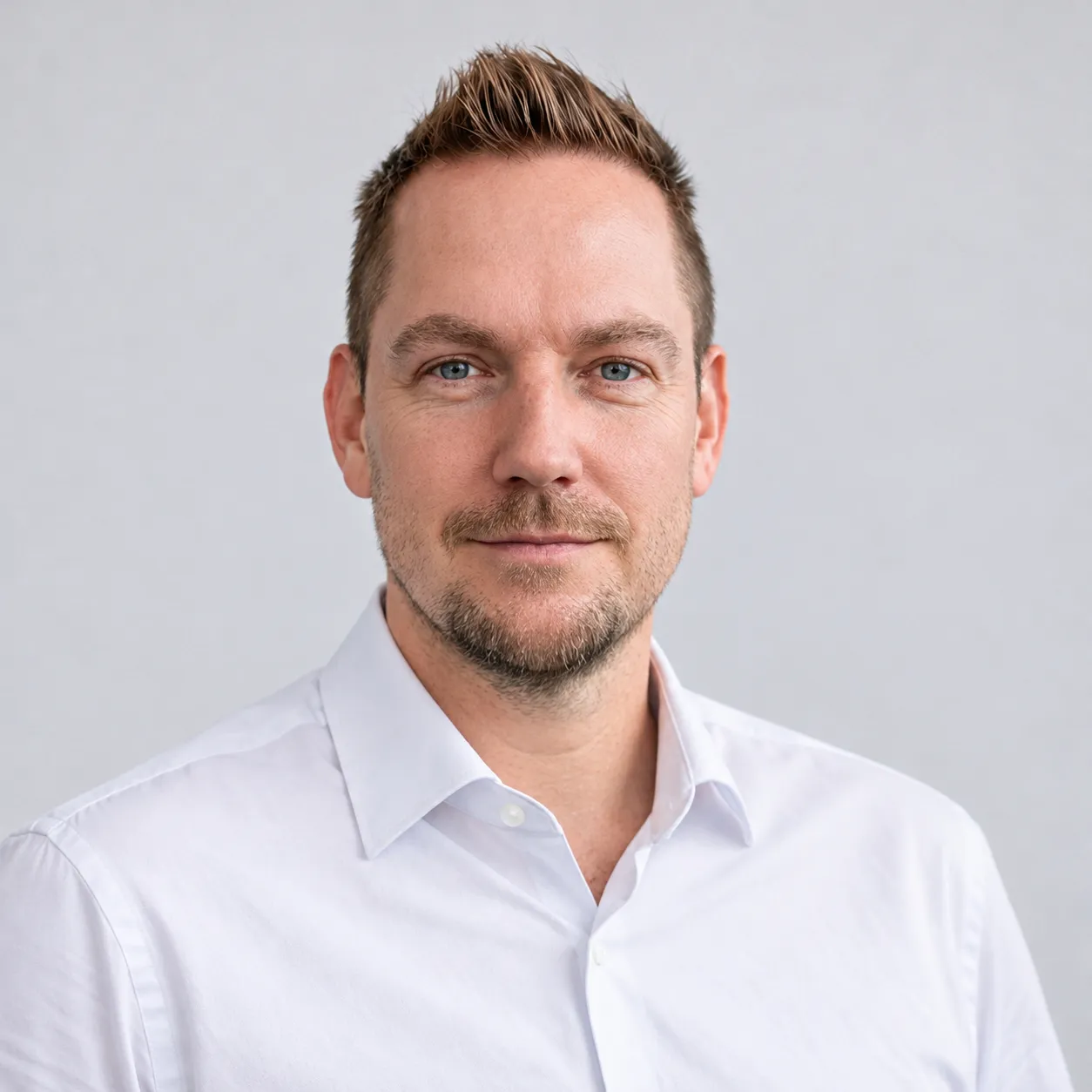
I am Michael Wutzke, an IT expert for data platforms in Frankfurt, with more than twenty years in IT and media. I set up and run the Linux servers under the sites I build, so I write and test forwarding rules myself. Today AI agents speed up my work: Claude and Codex write the code, and I review each result.
How your SEO migration runs
-
Video call
In 30 minutes we talk about your old site, the new system or domain and the date you have in mind.
-
Assessment together
We look at your current site together: how many addresses it has, which pages bring visitors from search and who builds the new site.
-
Quote and order
After the assessment you receive a quote. When you accept it, the work starts.
-
Inventory and mapping
I crawl the old site, read its sitemap and server logs, and assign each old address to its new page.
-
Comparison at the test address
A crawl of the new site at its test address shows where titles, headings, structured data or links differ from the old site.
-
Launch day
The forwarding goes live with the new site. I test the list against the live domain on the same day.
-
The weeks after
I read the server logs for old addresses that end on an error page and add their forwarding. Lighthouse runs on my own machine measure the speed of the main pages.
Questions companies ask
Will our rankings stay the same?
I promise no rankings. Search engines need time to process a move, and positions can shift in that time. What I control is the handover: each old address forwards to its new page, and the new page keeps the title, the text and the structured data of the old one.
Why do rankings drop after a relaunch?
Common causes are old addresses that end on an error page, and new pages that lost the text, the titles or the internal links of the old ones. Both show up in a crawl of the old and the new site before the launch.
We only change the domain. Does that need the same care?
Yes. On a new domain each address changes at once, even when the pages stay the same. The old domain stays registered after the move, and its forwarding stays in place.
Do you also build the new site?
I can. Sites with pages and posts I build in Astro as static HTML. Sites with logins, a shop or their own data run on Symfony or Laravel with a database, or on Node.js. If another team builds the site, I take on the search side of the move and test their work against the inventory.
Which tools do you use?
A crawler for the old and the new site (Screaming Frog SEO Spider), the server logs for the addresses that visitors and crawlers request, scripts that compare old and new pages, and Lighthouse on my own machine for speed.
Which engagements do you take on?
SEO migrations as freelance projects, remote across Germany, with on-site days in Frankfurt Rhine-Main. I work in German and English.
Details on the work behind this page
-
Building software
I use AI to build MVPs and production-ready software quickly, above all for data management and workflows.
-
Software and online services
Programs, tools and online services that I use in my everyday work on data platforms and IT projects.
-
An information portal with a million readers a year
A portal on Frankfurt's skyline and construction projects with more than one million readers a year.
-
Trainings attended
Courses I take next to the job, often on the train, from Angular and Docker to AWS. Some ended with an official certificate.
Your SEO migration freelancer in Germany
I am Michael Wutzke, an SEO migration freelancer in Germany, based in Frankfurt. In a 30-minute video call we look at your old site and your plans for the new one, and you learn what an inventory of your addresses would cover.
Searches this page answers
- SEO migration
- SEO website migration checklist
- site migration SEO guide
- redesign website without losing SEO
- does changing domain name affect SEO
- website migration project plan
- URL redirect mapping
- redirect chains SEO
- log file analysis SEO
- structured data SEO
- SEO freelancer Germany