WordPress freelancer in Hamburg for company websites in several languages
I move the WordPress sites of trade and logistics firms to fast websites in the languages your customers read. Each language version gets its own addresses, search engines and AI assistants see which page belongs to which, and each page leads to a contact request, a quote request or a call. Let's talk about your needs in a free 30-minute video call.
What I handle for you
-
Experience with multilingual sites
For more than twenty years I have built websites, multilingual WordPress sites among them, and questioned how existing ones were put together. The languages your customers read decide the structure of the new site.
-
One address per language
Each language version gets its own addresses, such as /en/ and /de/, and each page names its twins. Google ignores the link unless both pages name each other, so both do.
-
Several domains, one plan
At Policen Direkt I built the web portals of the group and managed its many top-level domains. Your country domains forward into one site or carry their own language version, as the assessment decides.
-
Translations that stay in step
A check in the build lists each page that exists in one language only. Your team sees which translations are missing before a customer does.
-
Text that AI assistants can read
Each language version has its text in the HTML itself. A translation that a widget inserts in the browser stays invisible to AI crawlers that do not run scripts.
-
Meetings in Hamburg
I work from Frankfurt and come to Hamburg, Lübeck or Kiel when you want to meet in person. Calls and documents run in German or English.
Where multilingual WordPress sites break
A multilingual WordPress site usually runs on a translation plugin, and the plugin decides the addresses of each language, the language switch and what search engines get to see. When that plugin changes or is no longer maintained, the problem reaches each language version at once.
Some setups switch the language by cookie, by browser setting or by a parameter in the address. Google does not recommend parameters for language versions, and it warns that it might not find and crawl the variations when a site changes content by the visitor’s language settings (Google Search Central, updated 2025-12-10).
Language versions also drift apart. The German page gets the new rates or a new service, the English one keeps last year’s text, and a customer abroad reads the old offer.
Each version has to name its twins, and both sides have to do it. If two pages don’t point to each other, Google ignores the tags (Google Search Central, updated 2026-09-21).
What the new site does per language
Each language version gets its own addresses, and each page names its twins in the other languages. The language switch leads to the same page in the other language.
The text of each version is in the HTML when the page loads, so an AI assistant can quote your offer in the language the customer asked in. Forms send the visitor’s language with each request, so the colleague who reads that language answers it.
The target system depends on what the site does. Pages and posts in several languages become a static site in Astro. A customer portal, shipment tracking or price lists from your own systems run on Symfony, Laravel or Node.js with a database.
This site runs in English and German, and each page names its twin in the other language.
Three ways to put languages into your addresses
Google supports three setups for language and country versions and advises against a fourth. The table sums up Google’s own arguments for and against each; the assessment decides which fits your markets.
| Setup | Example | For it | Against it |
|---|---|---|---|
| Country domain | example.de, example.pl | Clear country signal; server location does not matter | Costs more; needs more infrastructure |
| Subdomain | de.example.com | Easy to set up; servers can differ per country | Visitors may not see the country from the address alone |
| Folder | example.com/de/ | Easy to set up; one host to maintain | One server location; harder to split into separate sites later |
| Parameter | example.com?loc=de | None | Google does not recommend it |
Source: Google Search Central, managing multi-regional and multilingual sites, updated 2025-12-10.
Before the switch I check five things per language:
- Each page names itself and its twins in the other languages.
- The language switch lands on the same page in the other language.
- Visitors whose language the site does not offer get a fallback page.
- Dates, numbers and currencies follow the format of the language.
- Forms and confirmation emails use the visitor’s language.
Who I am
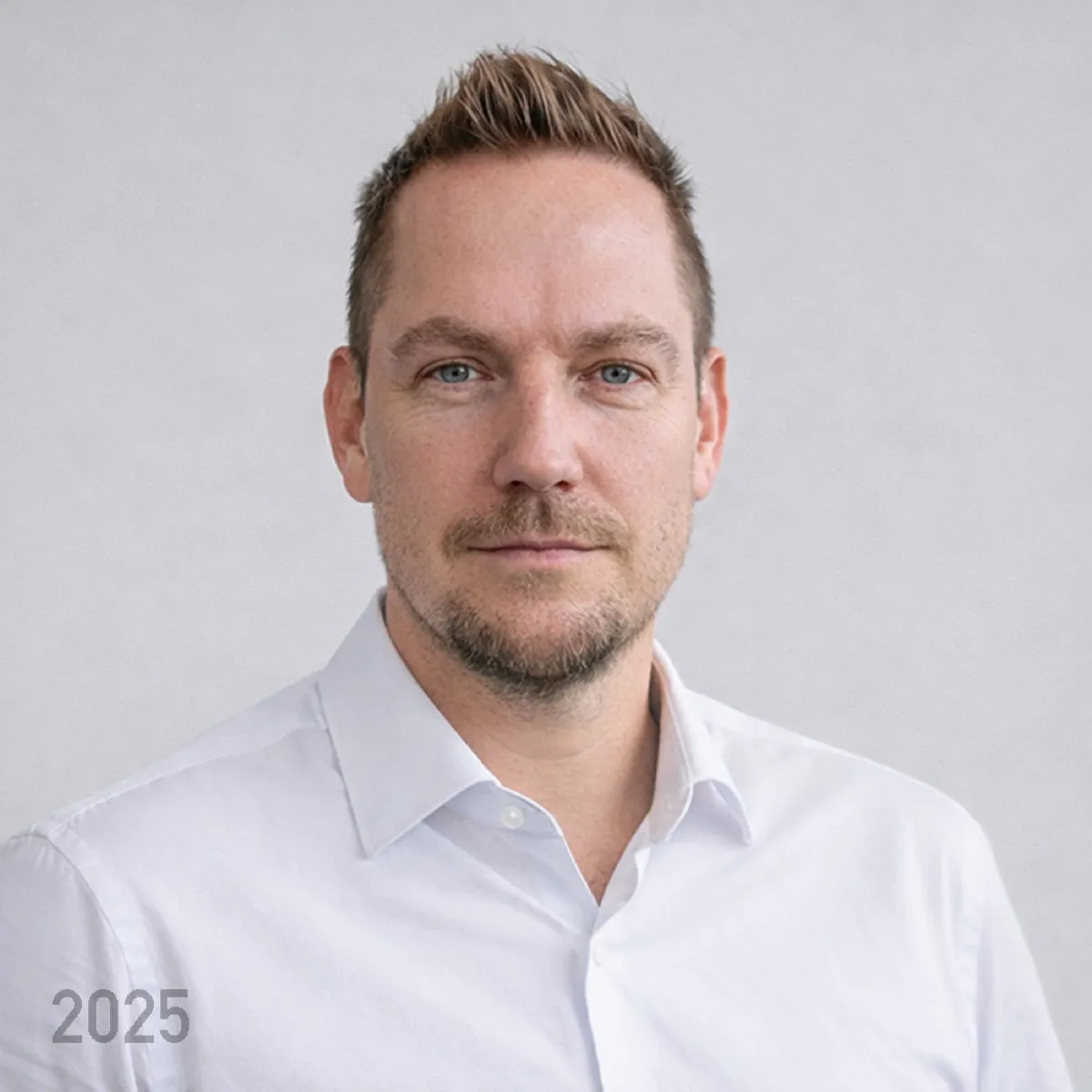
I am Michael Wutzke, an IT architect for data platforms in Frankfurt with more than twenty years in IT and media. At Policen Direkt I planned and built the web portals of the group, hosted them on AWS in the regions Frankfurt and London and managed its top-level domains. I have run multilingual WordPress sites and multisites, and I moved this site off WordPress with Claude as coding agent. Details: Background.
How your multilingual migration runs
-
Free video call
Thirty minutes on your site, its languages and the countries your customers order from.
-
Assessment together
We go through each language version: which pages exist in which language, who translates them and which domains point where.
-
Quote and order
You receive a quote for the migration of the language versions you keep. The work starts with your order.
-
Language map
Each old address in each language gets a new address and its twins in the other languages. You approve the map before content moves.
-
Build and test per language
The new site runs at a test address. Colleagues or translators check their language there.
-
Switch
The domains point to the new site, and old addresses forward permanently, language by language. I test the forwarding for each language on the live site.
-
Handover
Your team or its AI agent adds pages in one language and sees which translations are still open.
Questions companies ask
Do we need a translation plugin on the new site?
No. Each language version is a page of its own. Your translators or an AI agent under your rules produce the text, and a person who reads the language approves it before it is published.
Can our English pages differ from the German ones?
Yes. A page for customers in the UK can exist in English only. The site links twins only where both exist, and the check in the build shows which pages have none.
Should each country get its own domain?
Google supports three setups: country domains such as example.de, subdomains such as de.example.com, and folders such as example.com/de/. Folders are the easiest to maintain; country domains cost more and need more infrastructure. We choose in the assessment, by your markets.
Which technologies do you use?
A multilingual site with pages and posts I build with Astro, which has routing for language folders built in, and deliver as static HTML. A customer portal, shipment tracking or price lists from your own systems run on Symfony or Laravel with a database, or on Next.js with Node.js for a React front end.
Which languages do you work in?
I work in German and English. For other languages I work with the translators you name, and each text goes live in the wording they deliver.
Do you come to Hamburg?
Yes, for meetings you want to hold in person, in Hamburg, Lübeck or Kiel. I live in Frankfurt, and the rest of the work runs remotely.
Details on the work behind this page
-
Web development
Michael Wutzke is an experienced web programmer in Frankfurt (Germany). He uses PHP for programming successful websites and ecommerce shops.
-
Conversion optimization
On the Internet, it is increasingly important to move customers and users to the next step. Conversion optimization is therefore part of every good website.
-
An information portal with a million readers a year
A portal on Frankfurt's skyline and construction projects with more than one million readers a year.
-
AI agents under the same rules as humans
Limits at the resource, a blocking check before each tool call, and approvals that only a person gives.
Your WordPress migration expert in Hamburg
I am Michael Wutzke, a WordPress migration freelancer in Germany, based in Frankfurt. In a free 30-minute video call we go through the language versions of your site, and you learn what a migration would mean for each of them. For meetings in person I come to Hamburg.
Searches this page answers
- WordPress freelancer Hamburg
- web developer Hamburg
- web development Hamburg
- website design Hamburg
- web design Kiel
- web designer Lübeck
- WordPress multilingual
- WordPress multilingual site
- WordPress multilingual SEO
- WordPress website in multiple languages
- WordPress multisite with different domains
- bilingual website WordPress
- multilingual website development
- multilingual website development services
- multilingual website design
- multilingual SEO
- multilingual SEO best practices
- multilingual SEO consultant
- multi language website SEO
- international SEO
- international SEO checklist
- website localization
- website localization services
- website translation services
- language switcher website
- logistics company website
- logistics website design
- transport company website
- freight forwarding company website
- import export company website
- shipping company website
- WordPress migration